
Emergency department
See what is coming and prepare the right bay and team.
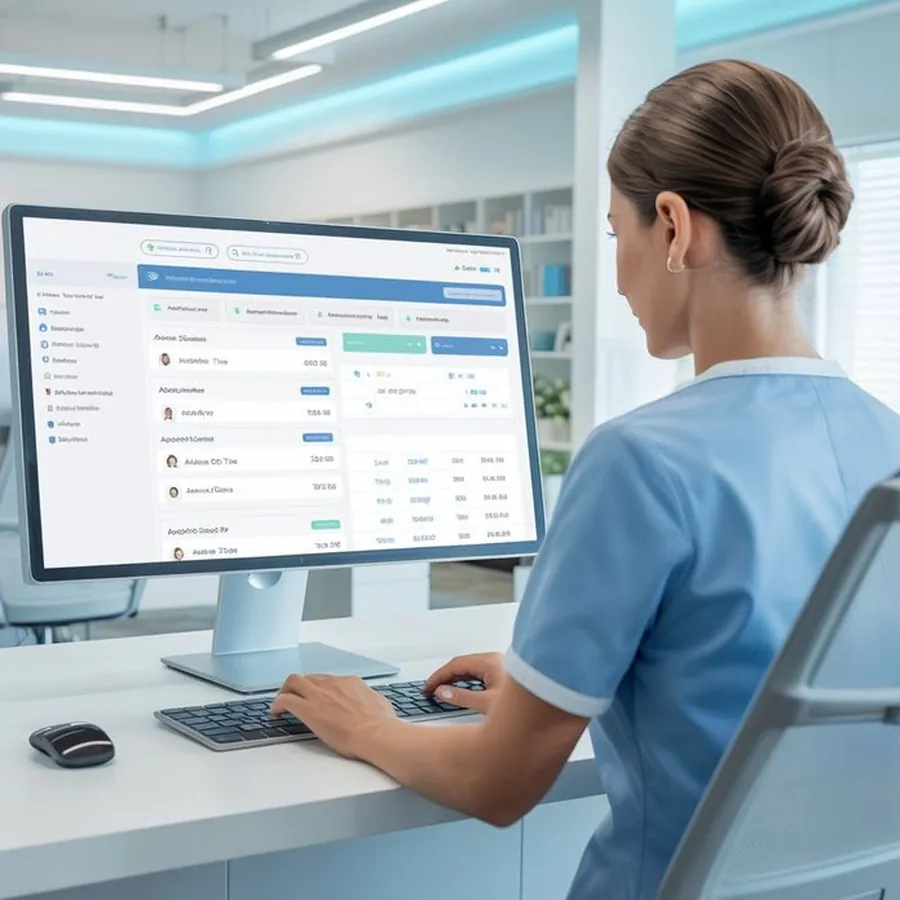
The Hospital Console shows your emergency and transfer desks what is coming, where it is and what the patient needs, before the ambulance reaches the bay.
Cases move from left to right as they get closer to your bay.
A sample view. Your console shows only your hospital's cases, to staff you name.
Interface shown is illustrative and uses sample cases. Screens may change before launch.
See what is coming and prepare the right bay and team.
Request, plan and follow transfers in and out.
Review records, times and reports for audits.
A walk through of a live case on the Hospital Console, from the first alert to the record.
You decide who can see what. Every view and change is logged.
Book a short demo for your emergency, transfer and quality leads.
In an emergency, call 1800 108 1800 at any hour. For anything else, write to contact@smartambulance.com.
Visit the help centreNo. The console works in a web browser.
Staff you name, with roles for emergency, transfer and admin teams.
No. Your console shows only cases coming to your hospital and transfers you request.
Yes, through Integration Solutions. See the integration page for details.
The console works on tablets. A dedicated mobile view is being planned.
Tell us who you are and we will open the right form.