RISA Connect

The connected care layer.

RISA Connect links the crew app, the hospital console and the command centre to one live case, so everyone works from the same truth.

Crew, hospital, commandOne live case
  1. 1RISA hub
  2. 2Crew app
  3. 3Hospital console
  4. 4Command view
  • 013 viewsCrew, hospital, command
  • 02LiveOne shared case
  • 03One recordNo retyping
  • 04SecureRole based
Three views, one case

Everyone sees what they need

01

Crew app

For the crew on the road.

  • Trip details and navigation
  • Vitals and care record
02

Hospital console

For emergency and transfer desks.

  • Incoming cases
  • Pre arrival detail
03

Command view

For the command centre.

  • Every case and vehicle
  • Live alerts
In sync

What happens when one view changes

  1. Crew updates

    A new vital sign is recorded.

  2. Connect syncs

    The case record updates once.

  3. Hospital sees

    The console shows the change.

  4. Command sees

    The command view updates too.

See it

A look at RISA Connect

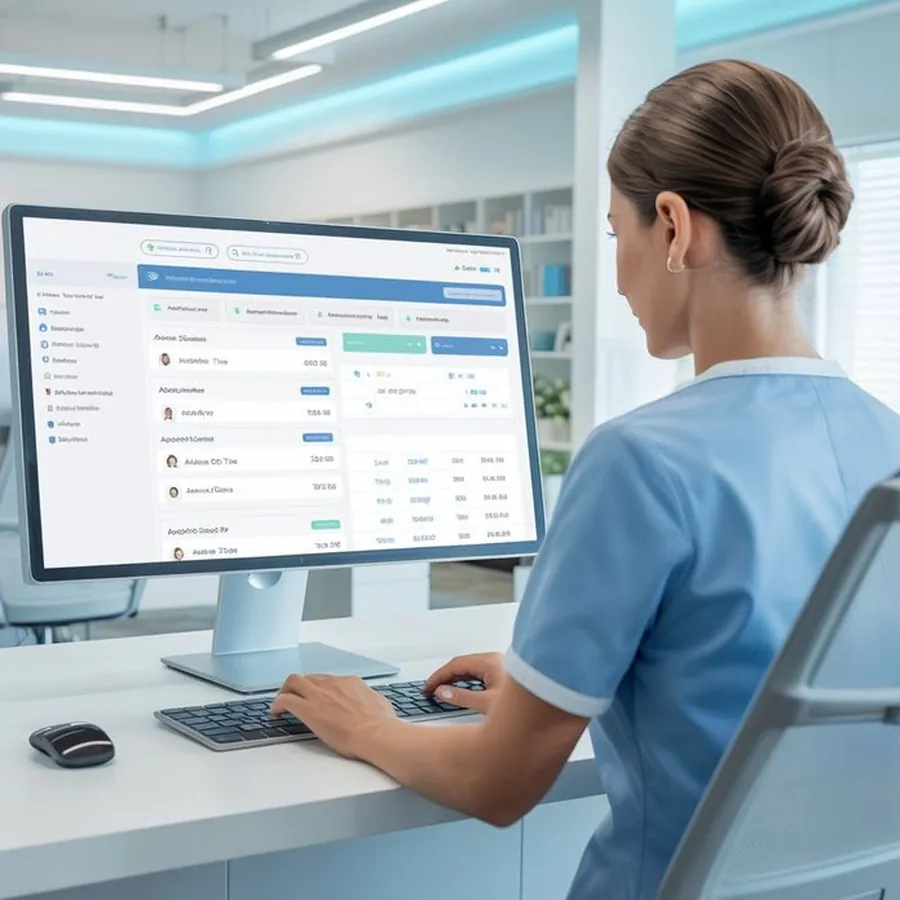
A hospital coordinator follows a case on screen
LiveShared with every view

The same case, seen from the hospital. Screens shown in the film below are illustrative.

RISA Connect filmOne case followed across crew, hospital and command · 16:9 · 90 seconds
Platform briefings · +91 9904 104 104

See RISA Connect on a live case.

Book a demo with the RISA team.

Questions and answers

RISA Connect, answered

In an emergency, call 1800 108 1800 at any hour. For anything else, write to contact@smartambulance.com.

Visit the help centre
What is RISA Connect?

The layer that links the crew app, hospital console and command view to one live case.

Does it need special hardware?

No. The console and command view run in a browser, and crews use the RISA app.

Who can see the case?

Only the people involved in the case, by role.

Emergency · Toll free · 24x7
1800 108 1800
Call now
Emergency · 24x71800 108 1800